Two Islands 1.0.1: what is new
Version 1.0.1 of Two Islands for iPhone brings sound and music, small tasks the island asks for, a character editor with more looks, a camera you can turn, and a phone that stays cooler. Below is what you will notice and how it plays.
Sound and music
The islands now have sound. The weather has its own ambience, each landscape has its own music, and the sunset has its own tune. Taps make soft interface sounds, the characters babble a little, and the pet has its own sounds: a greeting, a happy sound, a yawn, a snack. Everything wakes up after your first tap on the screen. In the profile, under Sound, two switches work separately: Island sounds and Music, so you can keep the gulls and turn the music off.
The island asks for little things
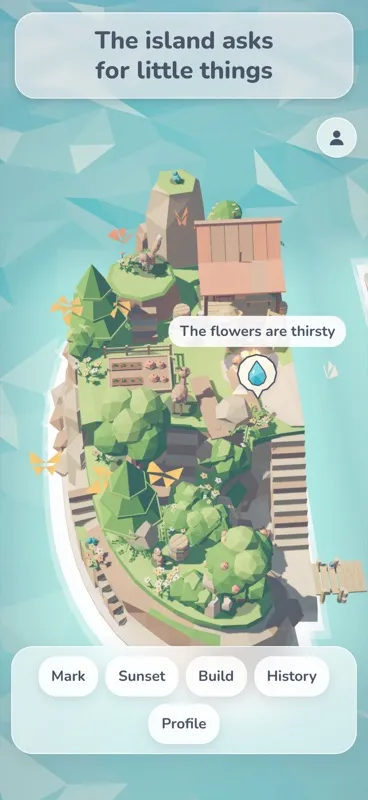
Sometimes the flowers get thirsty or the campfire needs a log. A small bubble appears over them, and one tap takes care of it. The island is shared: when either of you has watered the flowers, they show as watered for both, with no name and no time next to it. At sunset the island asks again. If you skip it, nothing is lost.
A character with more looks
In the profile you can now shape your character: ten hairstyles, six outfit cuts, facial hair (a short beard, a beard with a moustache, or a moustache alone), two body shapes and accessories such as a knitted beanie, a straw hat, round glasses, a scarf or a backpack. Hats now sit snugly on the head. Your character walks around the island, and the picture in the profile shows the same look.
A camera that turns
Twist two fingers on the screen like the hands of a clock and the view turns around the island. Pinching still zooms, one finger still pans, and a double tap brings the view back. On a computer, turn it with a right mouse drag or the Q and E keys. The light and the shadows turn with the camera, so they stay where they belong in the picture.
The wall stands between the islands
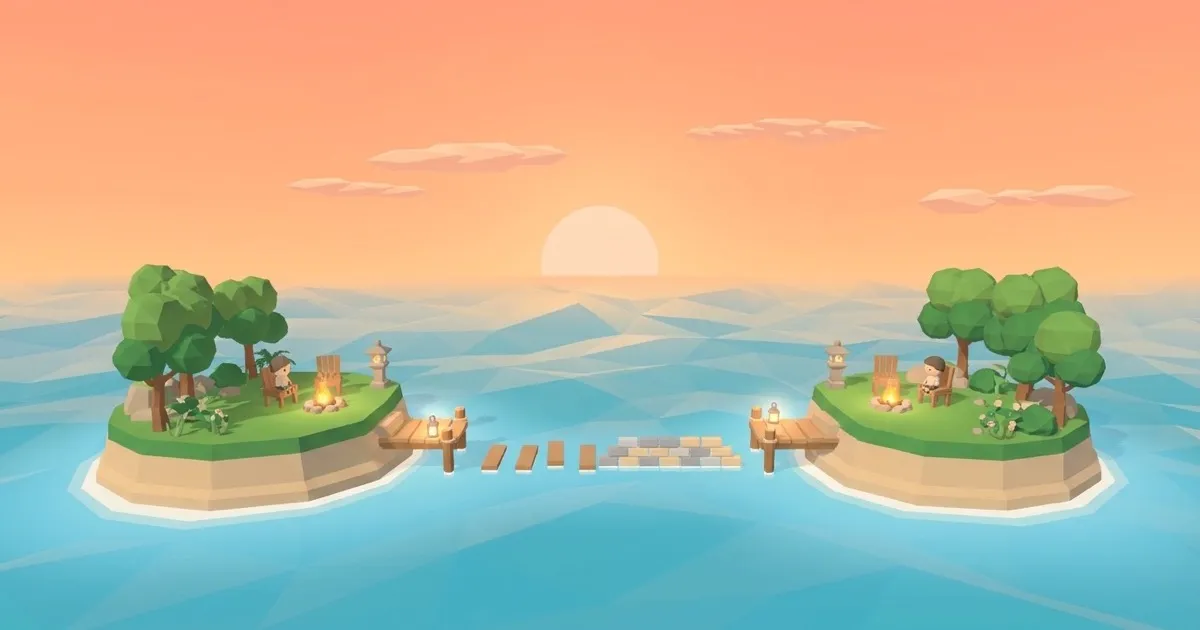
When you have two islands, the wall of bricks now runs along the strait behind the bridge, between the islands. Before, it stood right next to the bridge and could be mistaken for a second bridge.
Everything stands on solid ground
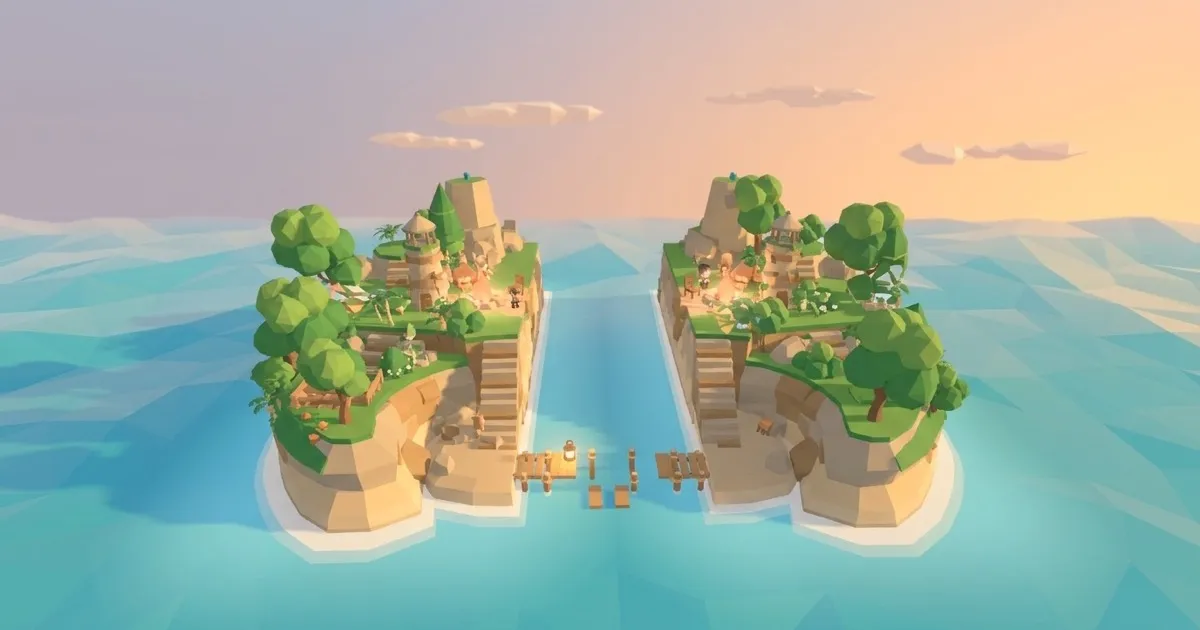
Trees, buildings, decorations and their shadows no longer hang over the edge of a terrace, the shore or the strait. If a spot would stick out over the edge, the object moves to the nearest place on the same level that can hold it.
A calmer phone
When nothing is happening on the island, it redraws less often, and on phones the shadows and the glow are lighter. The picture looks the same, and the phone stays cooler.
Keep your island with Apple
On iPhone, open the profile, tap Save your island and choose Continue with Apple. If you move to a new phone, the first step of the start screen offers to sign in when you already have an island, and signing in the same way brings it back.
Usage statistics, only if you choose
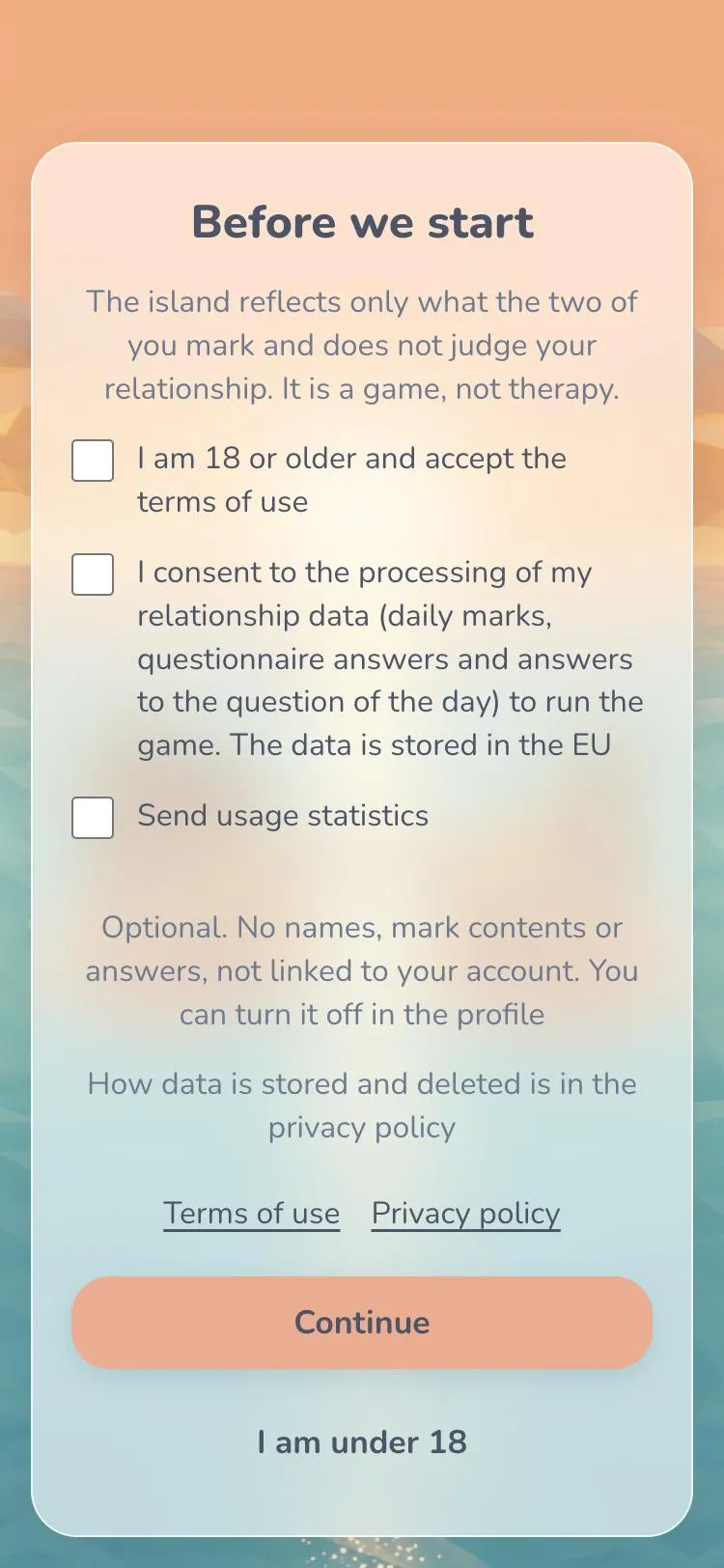
The first screen now has an optional checkbox, Send usage statistics. It is empty by default, and you can continue without ticking it. The statistics carry no names, no contents of marks and no answers, and they are not linked to your account. The choice applies to this device, and you can change it in the profile whenever you like.
Support in your language
The support page at twoislands.app/support now has a section in each of the twelve languages of the game, with the contact address and a short list of what helps us to answer: your device, where you play and what happened.